Upload windows
Uploads open around your wedding date and stay open based on the package you choose.
How it works
Set up the gallery before the day, share one QR code, and let guests upload the photos they are already taking. Afterward you can review, share, and download the originals.
The timeline
01 / Before
Add your date, couple names, cover photo, package, and optional event password. The guest link and QR code are created for you.
02 / During
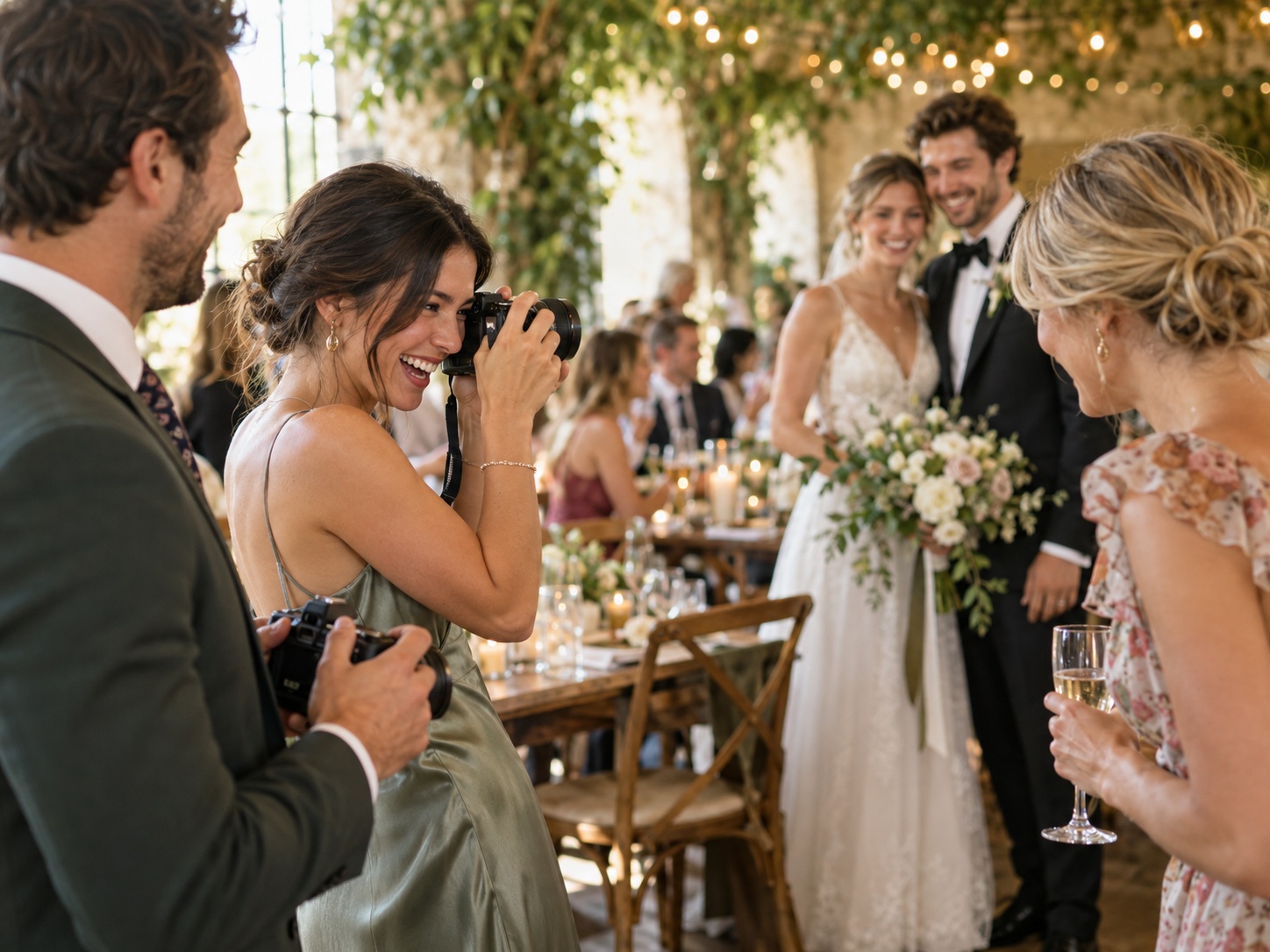
Place it on signs, tables, messages, or your wedding website. Guests scan, upload from the browser, and get back to the celebration.
03 / After
Hide anything you do not want visible, let guests enjoy the gallery, then download approved original photos when the upload window closes.
Guest experience
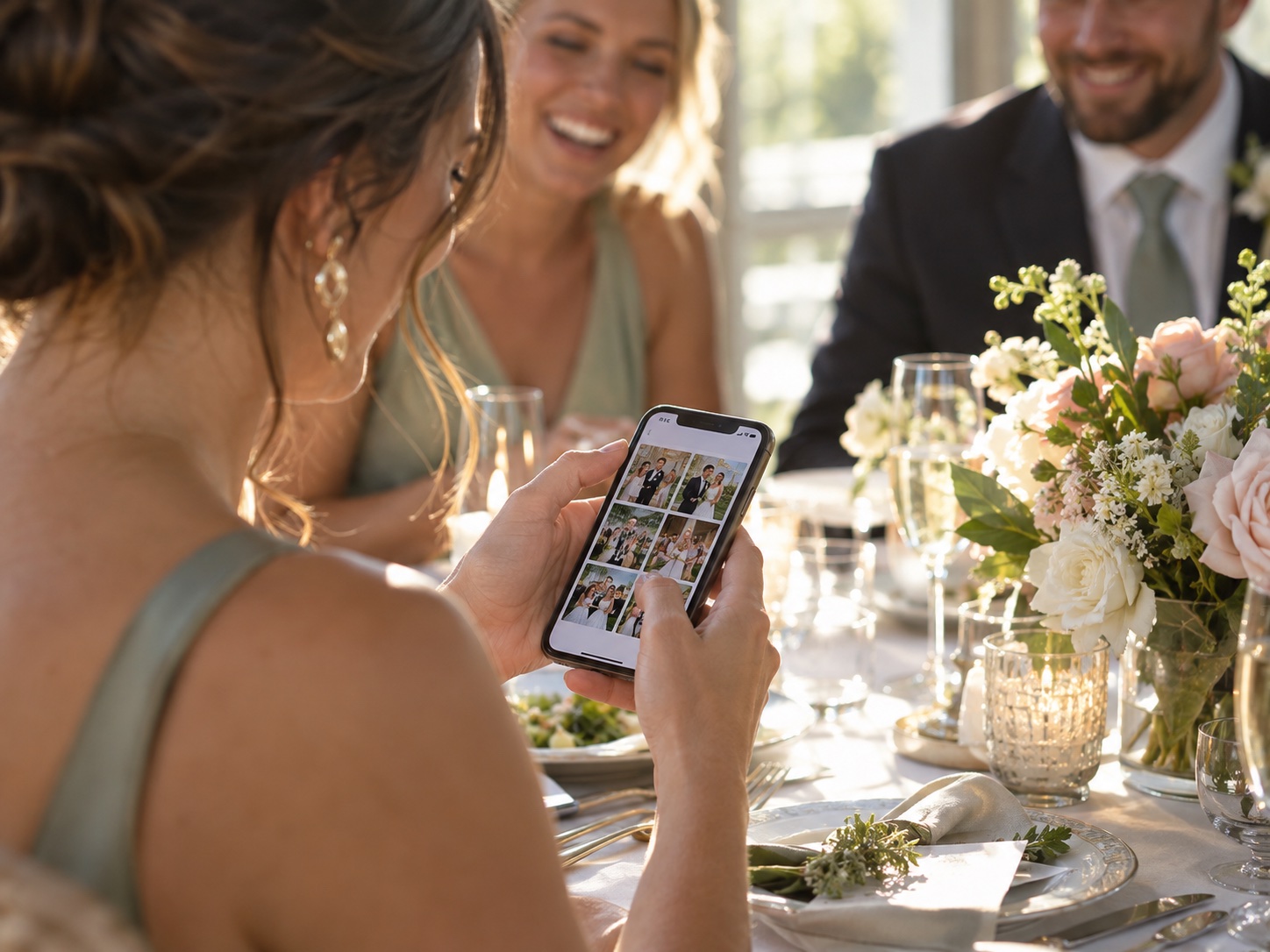
The best collection system is the one guests actually use. That means no app install, no signup form, and no confusing handoff.
Owner controls
Uploads open around your wedding date and stay open based on the package you choose.
Hide photos from the public guest gallery or remove photos you do not want to keep.
Approved originals are exported in ZIP batches so you can keep the real files, not just web previews.
Guest access is controlled by your invite link and optional event password.
FAQs
No. Guests upload from their phone browser using your QR code or private invite link.
No. Guests can upload with a display name, so the process stays quick and low-friction.
Uploads open around your wedding day and close according to the package you choose. That gives guests time to add photos without leaving collection open forever.
Yes. You can add an event password so guests need either the invite link or the password to access the event.
Yes. Owners can hide photos from the guest gallery and delete photos that should not be kept.
Yes. Guests can view the shared gallery while the gallery window is open, and they can like their favorites.
Yes. After the upload window closes, you can download approved original photos in ZIP batches.
Use a short instruction such as "Scan to share your photos with us" and place the QR code where guests naturally pause: welcome tables, bars, dinner tables, or near the guest book.